Creating a keyword
Prerequisite
- Access to the Document > File > Keyword (DC004) menu.
Introduction
Keywords are words related to a created document that aid the search engine in finding the documents.
For example: when creating a document about a project, it is possible to associate the keywords "plan" or "project" to facilitate searching for it when necessary.
Creating a keyword
1. Access the File > Keyword (DC004) menu.
2. Click on the  toolbar button.
3. Enter an ID # and a name for the keyword.
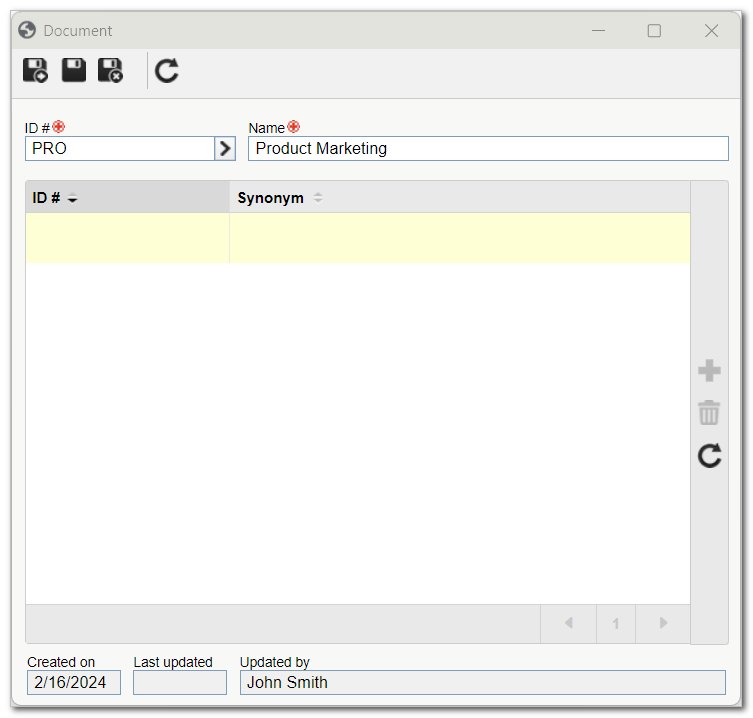
4. Click on  to save the keyword.
5. Click on the button on the side toolbar to add synonyms of the keyword.
6. To finish, click on the  button.
Conclusion
After performing these steps, the keyword is created and ready to be associated with the document, in the Keyword tab of the data screen, during its creation.