Configuring an attribute in the category
Prerequisites
- Access to the Configuration > Category (PL020) menu.
- Category with the General tab configured.
- Created attribute.
Introduction
In the Attribute tab of the category, it is possible to associate attributes in order to complement the records in the Planning and Execution steps through their respective subtabs. That is, attributes can be added to action plans and isolated actions in order to be available for completion in the mentioned steps.
They will be available on the record's editing screen, in the Summary > Attribute section.

Attributes can be associated in the Timesheet tab as well. Thus, the user can add those they wish to be filled out in resources' timesheets.
The attributes will be available on the record's editing screen, in the Configurations > Timesheet section.
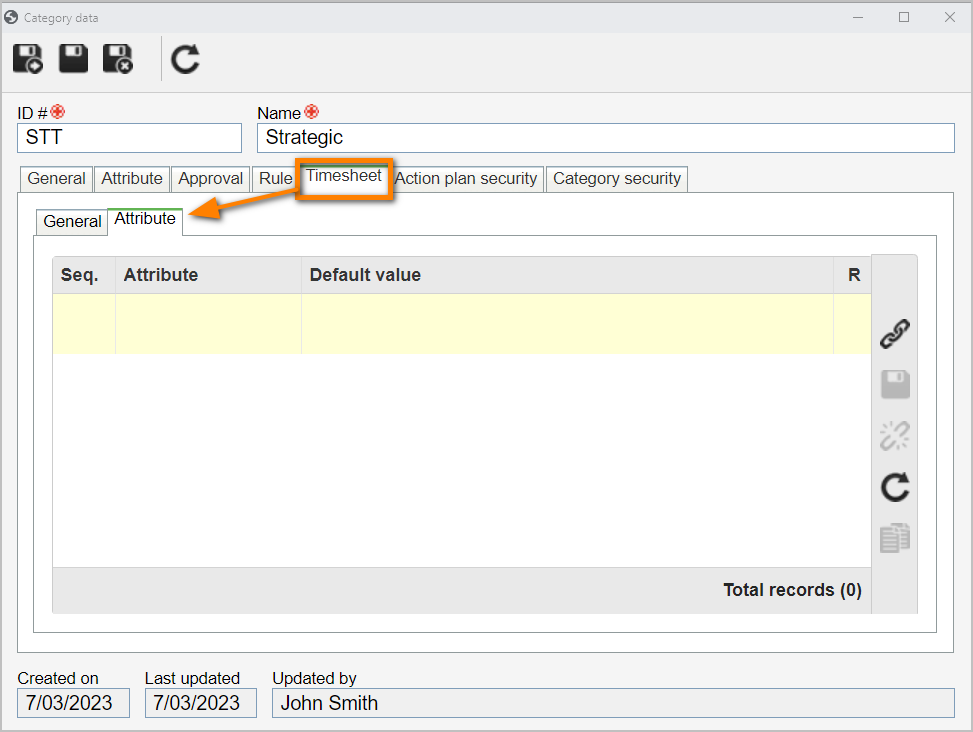
The procedure for associating attributes in the three displayed subtabs is the same. Access the following articles to learn how to configure the attribute, how to associate it with the category, and how to fill it out in the records.