Execute the FMEA revision
This article is valid until version 2.1.9 of the system. Click here to access the documentation referring to later versions.
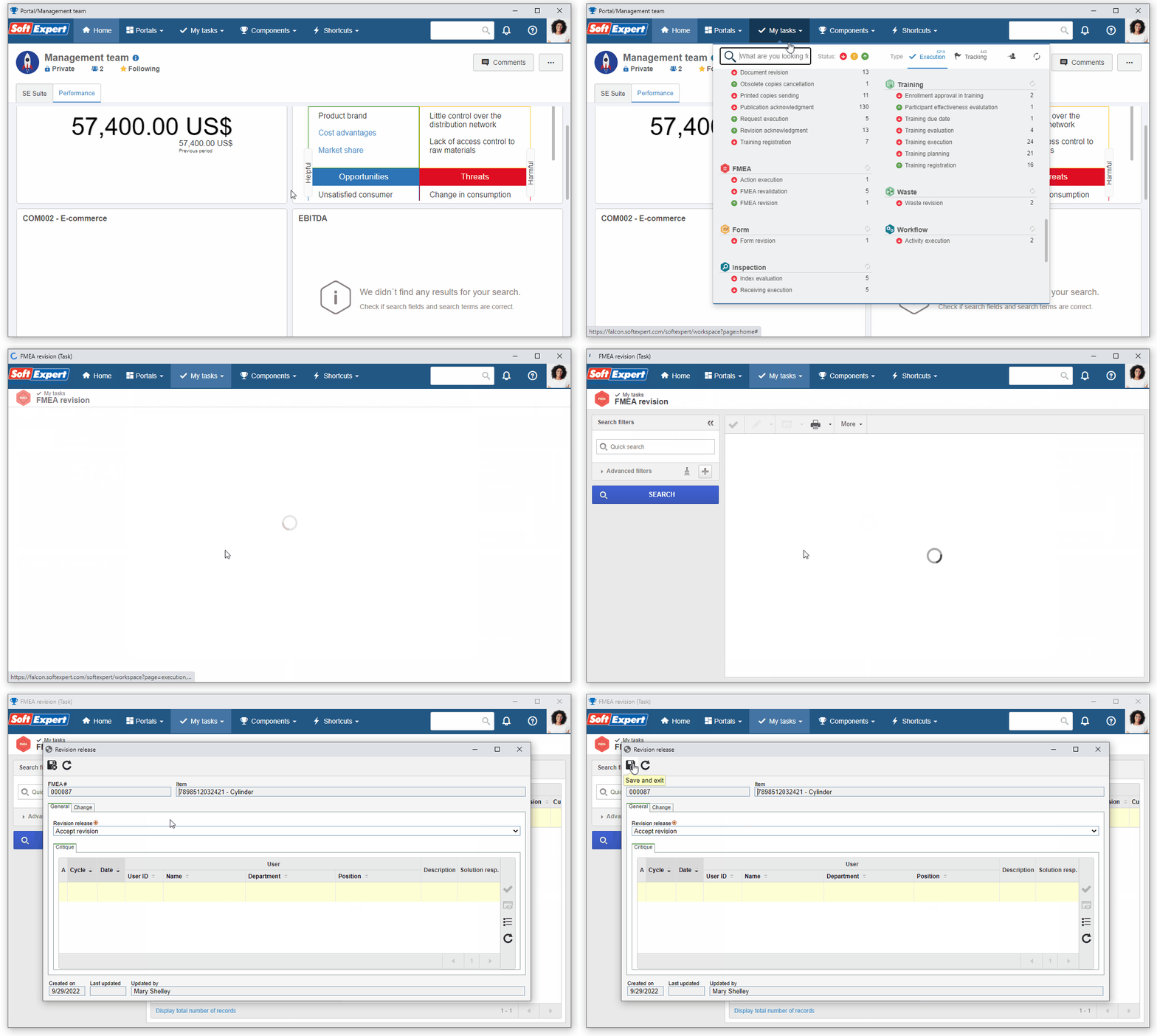
After performing the desired configurations in the FMEA, its revision can be executed.
To do that, access the My tasks > FMEA revision menu and select the previously created FMEA.
Then, click on  and on
  .
.
The FMEA was created and the draft step was executed successfully!
As only the draft step has been configured, the FMEA has been released.