Execute the item revision
This article is valid until version 2.1.9 of the system. Click here to access the documentation referring to later versions.
After performing the desired configurations in the item, its revision can be executed.
To do that, access the My tasks > Item revision menu and click on  .
.
On the item data screen, click on the Accept revision option on the toolbar.
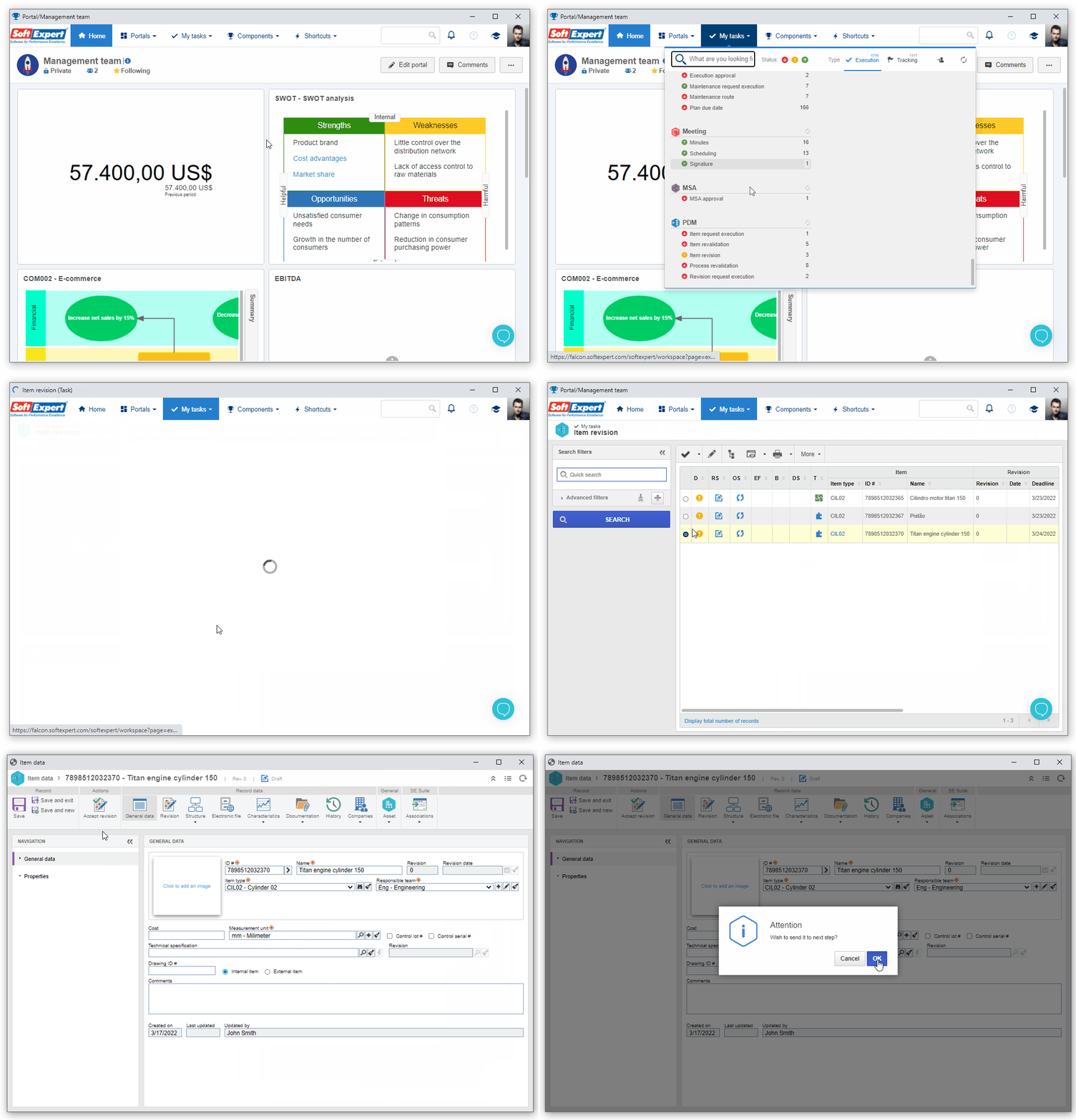
Thus, the draft stage was successfully executed!
If there are more participants and revision steps, simply repeat this procedure.